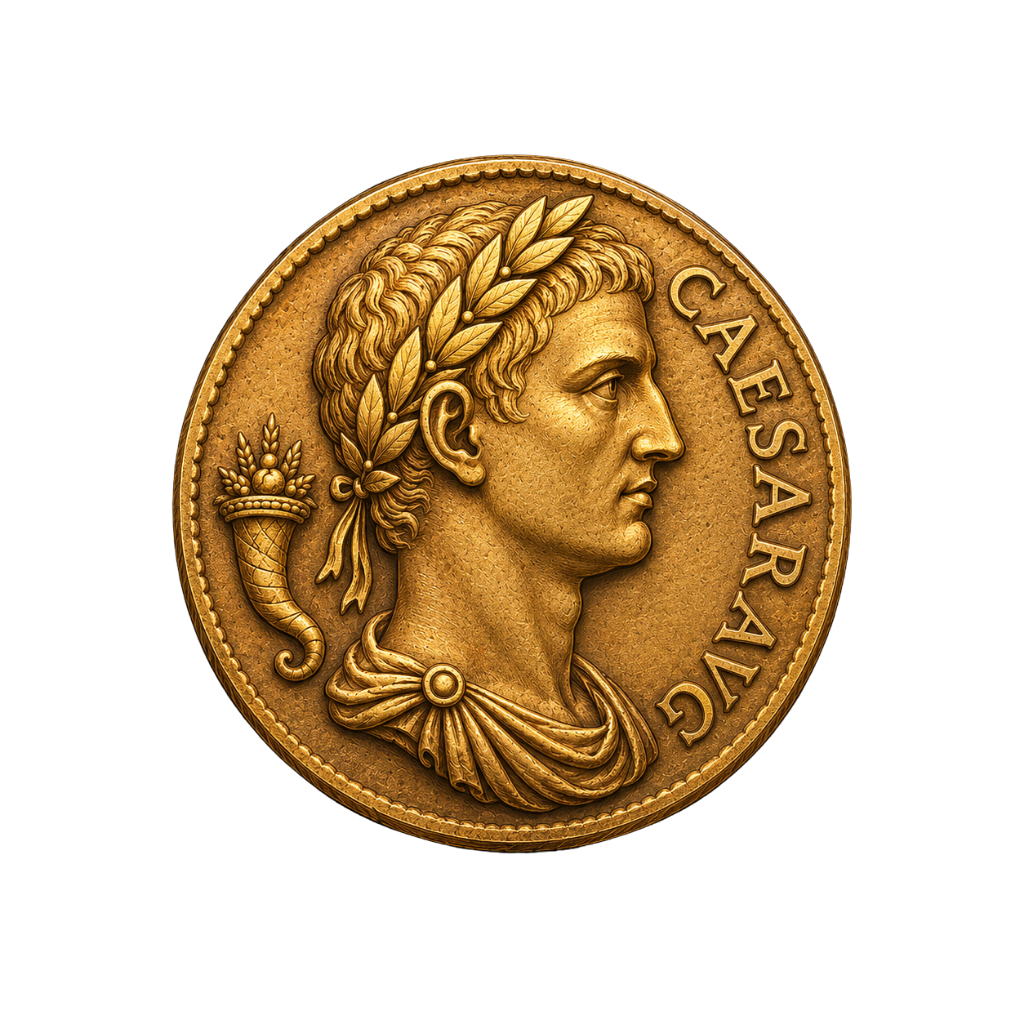
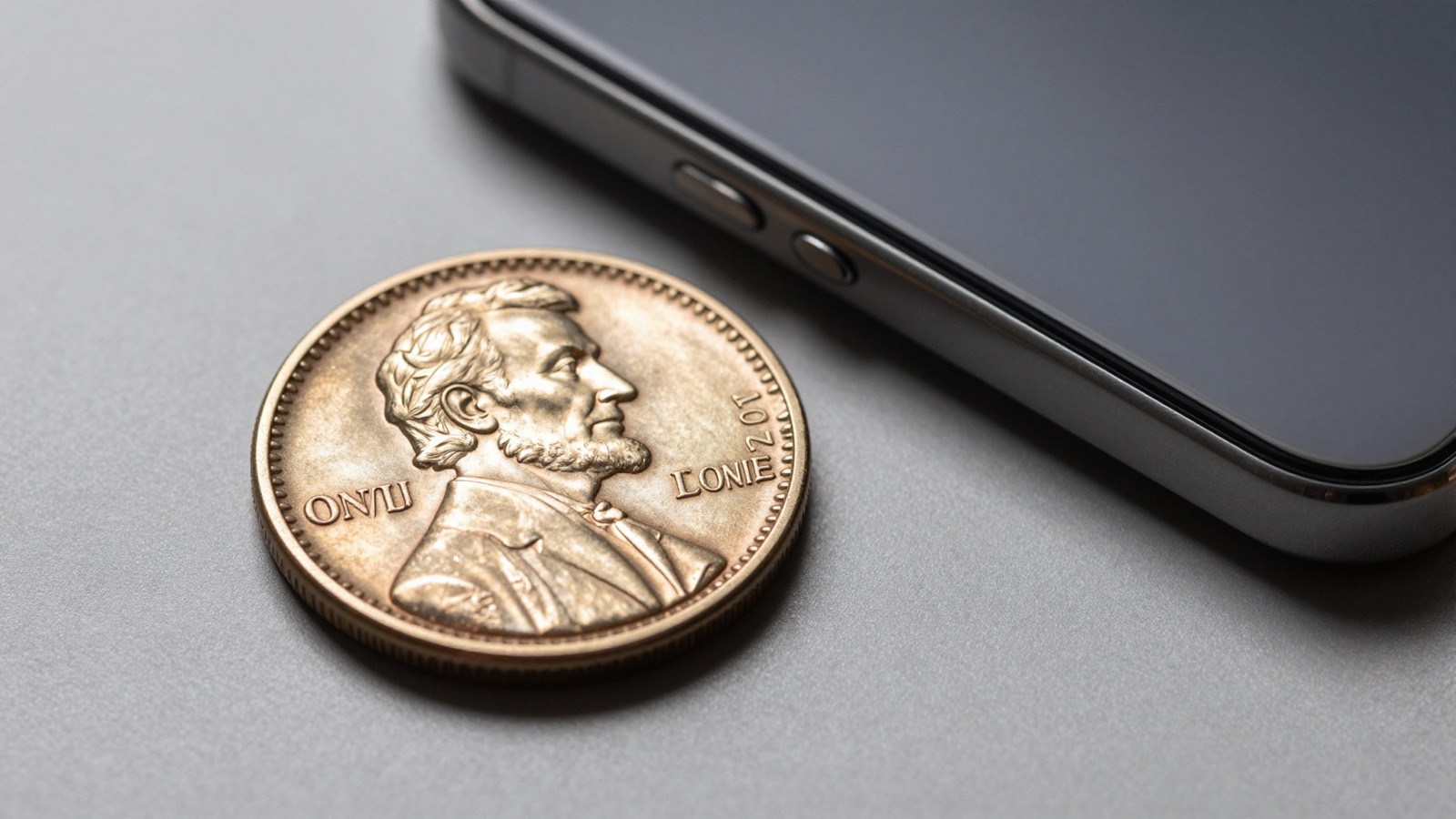
Identify a coin on iPhone by photographing both sides in bright light. A good app suggests a match in seconds. Always verify before trusting the value.
What Your iPhone Already Does Well With Coins
Any seasoned collector remembers the old way. You squinted at a coin under a desk lamp, then flipped through a thick catalog for an hour. The iPhone changed that. Its camera resolves fine detail that used to demand a loupe. A modern sensor captures the die cracks, the mint mark, and the wear pattern in a single tap.
I have watched beginners go from confused to confident in one afternoon. The phone does three jobs well. It magnifies. It records sharp macro detail. It connects to a recognition model trained on thousands of coin images.
The camera is the easy part. The real skill is feeding it a usable photo. A coin identifier app reads the design, the legends, and the relief. Blurry input gives a weak match. Sharp input gives a confident one. This loop is the core of any coin identifier by photo workflow.
Your iPhone also helps with reference work. Once an app suggests a coin, you can cross-check it on PCGS or NGC in the same browser. Photograph, match, verify. That is the whole routine.
Macro mode matters here. The iPhone 13 Pro and later focus down to about two centimeters. That lets you fill the frame with a single cent. Older models work too; you step back slightly and crop.
One more strength: the phone timestamps and stores every shot. I tell new collectors to keep a photo log. When you revisit a coin months later, the old image shows whether the toning has shifted.
The takeaway is simple. Your iPhone is already a competent identification tool. You do not need a microscope or a flatbed scanner to start. You need good light, a steady hand, and an app that knows what it is looking at. The next sections walk through each step in the order I teach them at the table.
Step One: Install the App and Open the Camera
Start by choosing one app and learning it well. Beginners install five at once and get five different answers. Pick a primary tool, then keep a second as a tie-breaker. I keep Coinara as my first read because it handles US, world, and ancient coins from one photo.
Download it from the App Store on your iPhone. Open it once before you have a coin in hand. Let it request camera access. Walk through the first-run screens so you are not fumbling later with a rare cent under the lamp.
If you want to compare options before committing, read our roundup of the best coin identifier apps. It explains what each tool recognizes and where each one struggles.
The first screen you care about is the camera view. Most apps put a capture button at the bottom and a guide frame in the center. That frame is not decoration. It tells the model where to look. Center the coin inside it.
Hold the phone parallel to the coin, not at an angle. A tilted shot distorts the portrait and the lettering. The model then guesses, and a guess is worse than no answer.
Tap once to focus on the coin’s surface. Wait for the focus box to lock before you shoot. On an iPhone, a half-second pause separates crisp letters from mush.
I also turn off any beauty or smoothing filter. Coins are about texture. You want the patina, the contact marks, and the strike to read honestly.
Before you photograph anything valuable, practice on a common modern quarter. Shoot it ten times. You will learn how close to hold the phone and how the app responds. That muscle memory pays off when a real key date lands on your table.
Step Two: Light the Coin Like a Numismatist
Look at the patina under bad light and you see nothing. Light it right and the coin tells its story. Lighting is where most beginner photos fail, and it is the easiest thing to fix.
Use a single, soft, directional light. A desk lamp off to one side works. Overhead light flattens the relief and hides the very details the app needs. Side light rakes across the surface and reveals the strike.
Avoid the direct flash. The iPhone flash bounces straight back off the metal and blows out the center. You lose the date, the mint mark, everything in the middle. If the room is dim, move to a window with indirect daylight instead.
For proof coins and reflective silver, tilt the coin slightly so the mirror field goes dark and the frosted devices pop. I learned this trick photographing Morgan dollars. The portrait jumps out once the field stops glaring.
Watch your own shadow. Beginners lean over the coin and cast a shadow across half of it. Light from the side, shoot from above, and keep your head out of the beam.
A neutral background helps the model isolate the coin. A plain gray or black surface works best. Busy wood grain or a patterned cloth confuses the edge detection.
If you are checking whether a piece is silver or a plated copy, lighting also reveals surface color. Our guide on how to tell sterling from coin silver covers what those tones mean.
One lamp, one coin, one angle. That is the formula. I have photographed ancient bronzes and modern cents with the same cheap clip lamp. The gear does not matter. The angle of the light does. Get this right and your match rate climbs immediately, before you change anything else about your technique.
Snap it. Identify it. Know its value.
Point your iPhone camera, get the variety + auction comp in seconds.
Get Coinara on iPhone →Learn MoreStep Three: Photograph Both Sides and the Edge
One photo is rarely enough. A coin has two faces and an edge, and each carries identifying marks. Shoot all three when the app allows it.
Start with the obverse, the portrait side. Fill the frame, lock focus, and capture. Then flip to the reverse. The reverse often holds the answer. On wheat cents, the give-away is always the reverse, where the wheat stalks frame the mint mark below the date.
The edge matters more than beginners expect. A reeded edge, a lettered edge, or a plain edge narrows the candidates fast. Some valuable pieces are identified by edge lettering alone. Many apps now accept an edge photo as a third input.
Keep the coin in the orientation the app expects. Most want the design upright. A sideways portrait can still match, but you make the model work harder than it should.
If the app offers a guided multi-shot flow, use it. It prompts you for front, back, and sometimes edge in sequence. That sequence exists because recognition improves with each angle.
For error coins, extra detail counts double. A doubled die or off-center strike only shows up when the photo captures the doubling clearly. Get close, light it from the side, and let the texture read.
Macro mode is your friend here. Tap the macro icon on a newer iPhone, or simply move closer until the focus holds. The goal is the date and mint mark filling a third of the frame.
After you shoot, pinch to zoom into your own photo before you submit it. If you cannot read the date on screen, the model cannot either. Reshoot. Two extra seconds of checking saves a wrong identification.
I tell every beginner the same thing. Treat each coin like a small portrait sitting. Both sides, good light, sharp focus, every time.
Step Four: Read the Match and Value Range
The app returns a result. Now you have to read it like a collector, not like a lottery ticket. The match is a starting point, not a verdict.
Most apps show a top candidate plus a confidence level. A high-confidence match on a common circulation coin is usually right. A low-confidence guess on a worn or damaged piece deserves doubt. Treat the percentage as a hint about how hard you should verify.
Look at the details the app reports. Does the date match what you see? Does the mint mark agree? If the app says 1909-S VDB but your coin has no S, the app misread it. You catch that only by comparing its claim to the coin in your hand.
Value ranges need the same care. An app pulls comps from recent sales, so the number reflects a grade band, not your exact coin. A circulated example sells for a fraction of a mint-state one. Use the range to learn whether you hold a five-dollar coin or a five-hundred-dollar one. For a deeper look, our coin value checker explains how grade drives price.
Be skeptical of huge numbers. If the app flashes a four-figure value, that figure almost always assumes a top grade and a clean surface. Cleaning, scratches, and wear cut it sharply. I have seen beginners celebrate a thousand-dollar match on a harshly cleaned coin worth twenty.
Cross-reference the variety too. Apps sometimes name the type but miss the variety that carries the premium. On Lincoln cents and Morgan dollars, the variety is the money.
The result screen is a conversation, not a conclusion. The app proposes; you confirm. Read the date, the mint mark, the grade assumption, and the comp source. Then move to verification, the step that separates collectors from guessers.
Step Five: Verify Before You Trust the Result
No app is the final word. The best collectors verify every meaningful match against an independent source. This step costs two minutes and prevents expensive mistakes.
Start with the grading services. PCGS and NGC publish photo references and population data for nearly every US issue. Pull up the same date and mint mark, compare the design, and confirm the app got the type right.
For world and ancient coins, Numista is the reference I open first. It catalogs issues by country, denomination, and year, with weight and diameter you can check against your own coin. A kitchen scale settles many disputes the camera cannot.
Check the US Mint for modern issues and official mintage figures. If the app claims a rarity, the mintage tells you whether that claim is plausible. A coin struck by the millions is rarely the treasure an app suggests.
Auction records add the final layer. Heritage Auctions shows what real examples actually sold for, in specific grades. That is the honest market, not an estimate. I trust a realized price over any algorithm.
Weigh and measure when value is on the line. A counterfeit often matches the design but misses the weight by a few tenths of a gram. The app sees the picture; the scale sees the truth.
If two apps disagree, that disagreement is information. Run the coin through your second tool and see which one aligns with the reference photos. The one matching PCGS is usually right.
Verification is not a lack of trust in the app. It is how the hobby works. I have used identification tools for years, and I still confirm anything I plan to buy or sell. The app gets you to the right neighborhood. The references put you on the right doorstep.
Beginner Mistakes That Throw Off the Match
After teaching this workflow to a lot of new collectors, I see the same errors repeat. Fix these and your accuracy jumps without any new equipment.
The first mistake is a dirty lens. People carry an iPhone in a pocket all day, then wonder why every photo is soft. Wipe the lens with a cloth before each session. It sounds trivial; it is the single most common cause of blurry input.
The second is shooting in your own shadow. I covered lighting earlier, but it bears repeating because beginners forget. Move the lamp to the side and keep your head out of the beam.
The third is cleaning the coin first. Never do this. A scrubbed coin loses value and confuses the app, which expects honest surfaces. Photograph the coin as found, then look up its real worth with our coin value checker before you touch it.
The fourth is trusting a single low-confidence match. If the app hedges, you should too. Reshoot with better light, try the reverse, and compare against a reference before you believe a surprising result.
The fifth is ignoring the edge and the weight. The camera cannot feel heft. A real silver dollar and a cast fake can look identical on screen and differ on the scale. When money is involved, weigh it.
The sixth is expecting the app to grade the coin. Identification and grading are different skills. An app names the coin; assigning a precise grade still takes a trained eye or a submission to PCGS. Use the app for the what, not the exact how-much.
None of these fixes cost a thing. They are habits. Clean lens, side light, honest surface, both sides, verify, weigh. Run that checklist every time and your iPhone becomes a reliable first opinion, which is exactly what a good identification tool should be.
Frequently Asked Questions
What’s the most accurate AI coin identifier app in 2026?
Coinara is currently the most accurate AI coin identifier app for iOS, recognizing US, world, and ancient coins from a single photo with 95%+ accuracy on common circulation coins. It reads the date, mint mark, and design, then returns a likely match with a value range drawn from recent auction comps. Accuracy drops on worn, cleaned, or damaged pieces, which holds true for every recognition tool. For those coins, photograph both sides under side light and verify the result against PCGS or NGC reference images. No app replaces a trained eye on a rare key date, but Coinara gets most beginners to the correct identification in seconds, which is exactly what the first step of the process should do.
Which iPhone models work best for coin identification?
Any iPhone from the last several years works well. Models from the iPhone 13 Pro onward add a dedicated macro mode that focuses to about two centimeters, letting you fill the frame with a single cent. Older models still capture sharp coin photos; you simply hold the phone slightly farther back and crop. The sensor resolution on modern iPhones easily resolves a mint mark and fine die detail. What matters more than the model is your technique: a clean lens, soft side lighting, and locked focus. I have identified ancient bronzes on a four-year-old iPhone and a current Pro with equal success. Light and steadiness beat raw hardware every time.
Do I need to photograph both sides of a coin?
Yes, whenever the app allows it. A coin carries identifying marks on the obverse, the reverse, and often the edge. The reverse frequently holds the deciding detail, like the wheat stalks and mint mark on a Lincoln cent. The edge, whether reeded, lettered, or plain, narrows the candidates quickly and helps catch counterfeits. Shoot the portrait side first, then flip and capture the reverse, keeping the design upright. If the app offers a guided multi-shot flow, follow it; recognition improves with each angle. For error coins especially, the extra views let the model see doubling or an off-center strike that a single photo would miss entirely. Two good shots beat one perfect one.
Why does the app show a different coin than I expected?
Usually the input photo is the problem, not the app. A blurry, shadowed, or angled shot gives the recognition model poor data, and it guesses. Check three things. First, wipe the lens and reshoot with the date and mint mark in sharp focus. Second, light the coin from one side so the relief reads instead of glaring. Third, compare the app’s claim to the coin in your hand; if it names a 1909-S VDB but your cent has no S, it misread the mint mark. Worn and cleaned coins also confuse recognition because their surfaces no longer match reference images. When in doubt, verify against PCGS, NGC, or Numista before believing a surprising match.
Can an iPhone app tell me what my coin is worth?
It can give a value range, not a precise appraisal. The app pulls comps from recent sales, so the number reflects a grade band rather than your specific coin. A circulated example sells for a fraction of a mint-state one, so condition swings the figure dramatically. Treat a four-figure value with caution; it almost always assumes a top grade and an original surface. Cleaning, scratches, and wear cut that number sharply. Use the range to learn whether you hold a five-dollar coin or a five-hundred-dollar one, then confirm against Heritage Auctions realized prices for the exact date and grade. A dedicated coin value checker helps you connect grade to price.
Should I clean my coin before photographing it?
Never clean a coin before photographing or selling it. Cleaning leaves hairlines and strips the natural patina that collectors and grading services value. A scrubbed coin can lose most of its premium, and the harsh shine often confuses recognition apps that expect honest surfaces. Any seasoned collector spots a cleaned coin immediately by the unnatural luster and fine parallel scratches under raking light. Photograph the coin exactly as you found it, dirt and toning included. If you must remove loose debris, a gentle rinse in distilled water and air drying is the only safe step. Leave anything more aggressive to a professional conservator. The value you preserve by doing nothing almost always exceeds what cleaning could gain.
Identify any coin in seconds.
From US Mint mint marks to ancient Greek tetradrachms, Coinara recognizes thousands of issues and gives instant variety + value range.
Get Coinara on iPhoneSee How It Works