What Is the Best Free Coin Identifier?
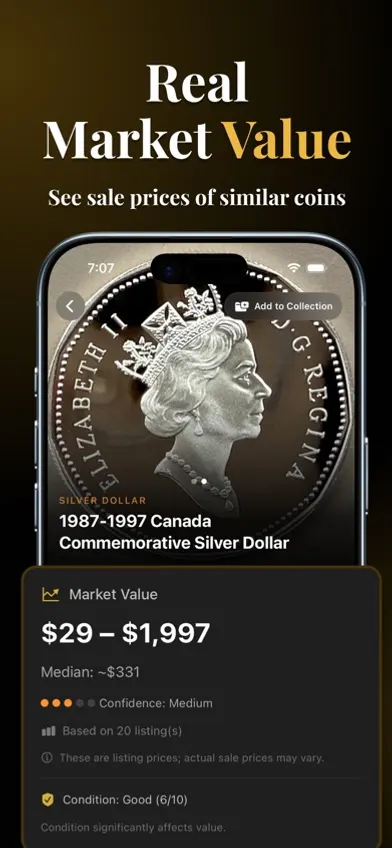
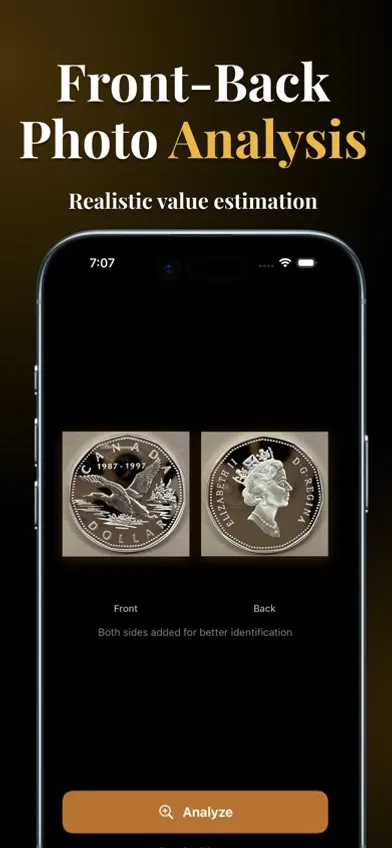
For photo identification at no cost, Coinoscope's iPhone app identifies coins free with no daily limit, according to its App Store listing, and Google Lens often finds matching photos of well-known coins. Neither is reliable on worn, ancient or error coins. Once you have a likely match, confirm the date, mint mark and type for free on PCGS CoinFacts (US coins) or NGC Coin Explorer. Value figures from free tools are based on listings, so check recent sold results before you buy or sell. For a side-by-side view of paid and free apps, see our coin identifier app comparison.
What a "Free Coin Identifier" Actually Means
"Free coin identifier" can mean three different things, each with very different capabilities:
- Free reference database: Browse coin series and compare your coin to reference photos manually. Examples: NGC Coin Explorer, PCGS CoinFacts, USA Coin Book. Free to access, but no automated photo identification.
- Free identification in an app: AI photo matching on your phone. Coinoscope identifies coins for free with no daily cap; other apps such as CoinSnap and Coin ID offer limited free scans or trials.
- Free reverse image search: Google Lens, TinEye. Will sometimes find matching coin photos online. Hit-or-miss for less common coins.
For occasional lookups, one of these is usually enough. Paid apps mainly add convenience when you have many coins.
Top Free Online Coin Identifier Tools
Five free tools, in order of usefulness:
- NGC Coin Explorer: Comprehensive series browser with reference photos and price history. Free web access. No photo upload, but excellent if you already know the country and rough era.
- PCGS CoinFacts: Authoritative US coin reference with mintage figures, varieties, and population reports. Free web access.
- Google Lens: Reverse image search using your photo. Works surprisingly well for famous coins. Open Google Lens on mobile, tap camera, photograph or upload coin.
- Coinoscope: Free, unlimited AI photo identification in its iPhone app, according to the App Store listing. Value estimates are based on online listings, so treat them as rough.
- USA Coin Book: Free US coin database with current values. Browse by series, year, and grade. No photo upload, but useful as a value reference.
Browser-Based vs. App-Based Identification
Browser tools have one big advantage: nothing to install. They work on any device with a camera and internet connection. The trade-offs are:
- Slower: Browser uploads are slower than native app camera capture.
- No collection saving: Most free web tools don't save your past identifications.
- Limited daily use: Free tiers cap usage. App alternatives often have higher limits or unlimited use on paid plans.
- No batch processing: Identifying 50 coins one at a time in a browser is exhausting; native apps handle bulk efficiently.
For one or two coins per month, browser tools are perfectly fine. For weekly or daily use, an app pays for itself in time saved.
Coinara, the app we make, is a free download; identification results need a $3.99 one-time purchase, a $7.99 weekly plan or $44.99 lifetime access.
Limitations of Free Tools
Free coin identifiers have three main limitations to know about:
- Database depth: Free reference sites cover popular series well (US Lincoln cents, Morgan dollars). Coverage drops sharply for obscure world coins, error varieties, and ancient coinage.
- Value data freshness: Price guides can lag the market. For silver coins and key dates, check recent sold results before you buy or sell.
- Accuracy on worn coins: Photo identifiers, free or paid, struggle with heavily worn coins where dates or mint marks are illegible.
When You Should Upgrade to a Paid Coin Identifier
Three situations where a paid app can be worth it:
- You're processing a collection: More than 20–30 coins to identify. Free daily caps make this impractical; paid apps let you batch through hundreds in one sitting.
- You're selling coins: Accurate current values matter when pricing. Free price guides 6 months out of date can cost you serious money on either side of a transaction.
- You have many world coins: Free references are strongest on US coins; an app can give a faster first guess on world coins, which you then confirm in a catalog such as Numista.
For ratings and prices of the main apps, see our coin identifier app comparison.
Alternatives: Reverse Image Search, Forums, Coin Books
Beyond dedicated coin identifier tools, three other free routes can identify a coin:
- Reverse image search: Google Lens, Bing Visual Search. Good for famous coins; misses obscure ones.
- Coin forums: Coin Community and CoinTalk have active identification threads. Post a clear photo of both sides; experienced collectors will identify it within hours, often within minutes.
- Coin books: A Guide Book of United States Coins (the "Red Book"), updated annually since 1947, is the standard US reference. About $15 used. The Standard Catalog of World Coins covers world coinage 1601-present in 5 volumes.
FAQ
Yes. Coinoscope's iPhone app identifies coins from a photo for free with no daily limit, according to its App Store listing. Google Lens is also free and often finds matching photos of well-known coins. Most other identifier apps limit free scans or require a subscription for full results.
Yes. Google Lens and the PCGS CoinFacts and NGC Coin Explorer websites can be used without an account. Coin forums require a free account to post a photo.
They work well on common coins photographed clearly and struggle with worn, ancient and error coins. No independent accuracy figures exist for free or paid tools, so confirm the date, mint mark and type yourself before relying on a result.
Mainly when you have many coins to go through, since paid apps add conveniences such as saving a collection and value estimates. For one or two coins, the free options on this page are usually enough.
Partly. Free references such as NGC Ancients and Online Coins of the Roman Empire (OCRE) are excellent but require searching by ruler or type. Photo matching of ancient coins is unreliable in both free and paid apps.
Most limit free scans, show ads, or put value data behind a subscription. Check the in-app purchase list on the App Store before you download so you know what the free part covers.