Coin Identifier by Photo — Snap and Identify Instantly
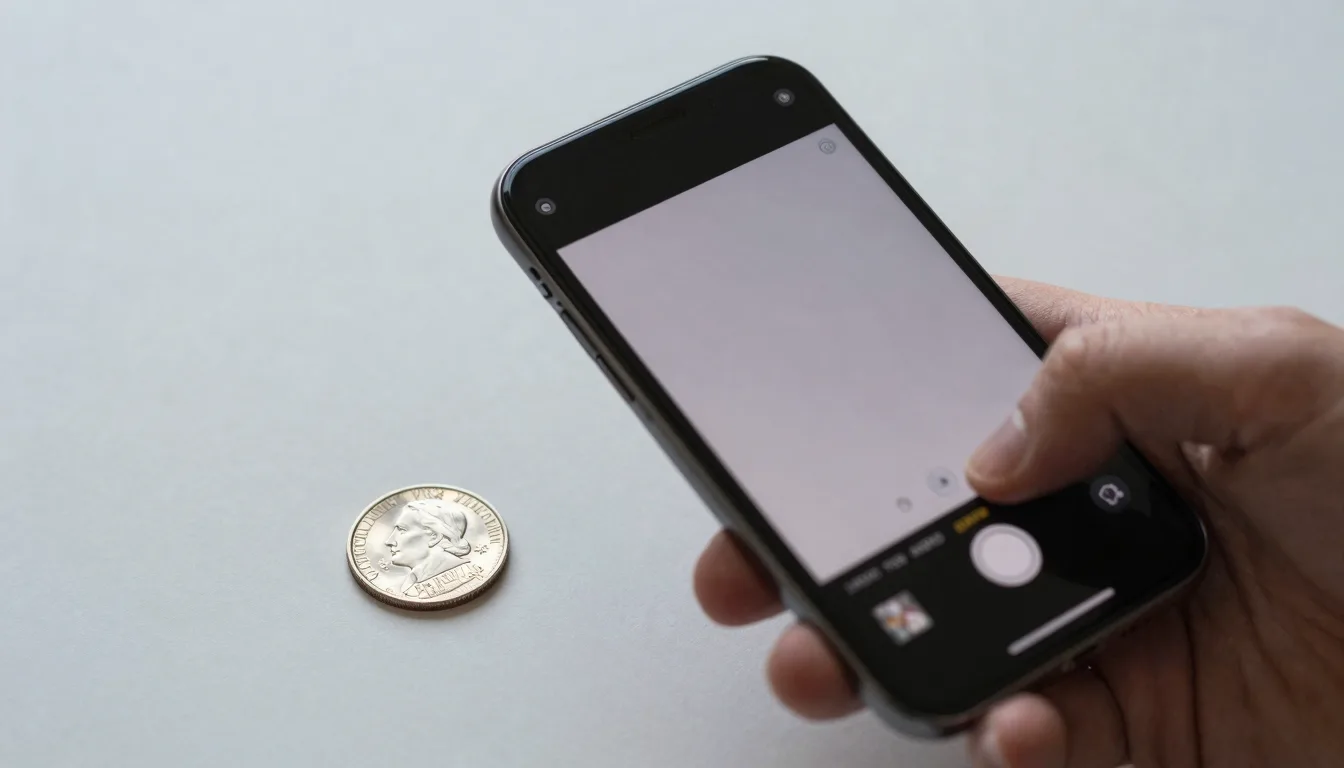
Take a clear photo of either side of a coin and Coinara identifies it in seconds — denomination, year, mint mark, country, and approximate market value, no manual lookup required.
How Photo-Based Coin Identification Works
A photo-based coin identifier uses computer vision to extract design features from your image — portrait orientation, lettering, mint marks, design elements — and matches them against a reference database of coin types.
Modern apps run a multi-stage pipeline: object detection isolates the coin from the background, then a vision model classifies the design, then OCR reads dates and mint marks where visible. The whole process takes 1–3 seconds on a good network connection.
Best Lighting and Angles for Accurate Results
Good photos give 95%+ identification accuracy. Bad photos drop that to 60–70%. Three rules cover most cases:
- Diffuse, even lighting — Daylight near a window is ideal. Avoid direct flash or harsh overhead light, which creates glare on metallic surfaces.
- Plain, contrasting background — Place the coin on a solid color (white, gray, or black) that contrasts with the coin metal. Patterned surfaces confuse object detection.
- Camera straight overhead, not angled — Hold the camera parallel to the coin face. Angled shots distort the design and hurt identification.
If you have a coin that’s not identifying well, flip it and shoot the other side too — sometimes the reverse has clearer detail than the obverse.
Get Coinara — Premium AI Coin Identifier
Snap any coin and get an instant identification. Snap a photo, get the coin’s identification, current market value, and historical context.
What If the Coin Is Worn or Dirty?
Don’t clean a coin before photographing it. Cleaning damages original surfaces and reduces collector value, sometimes by 50% or more. Even patina (dark oxidation on copper) is part of a coin’s natural state and shouldn’t be polished off.
For worn coins, photograph in raking light — angle the light source low across the coin surface. This casts shadows into worn lettering and design lines, often making them readable when straight-on light shows nothing. Coinara’s AI is trained on worn coins specifically and handles them better than older systems.
Identifying Both Obverse and Reverse
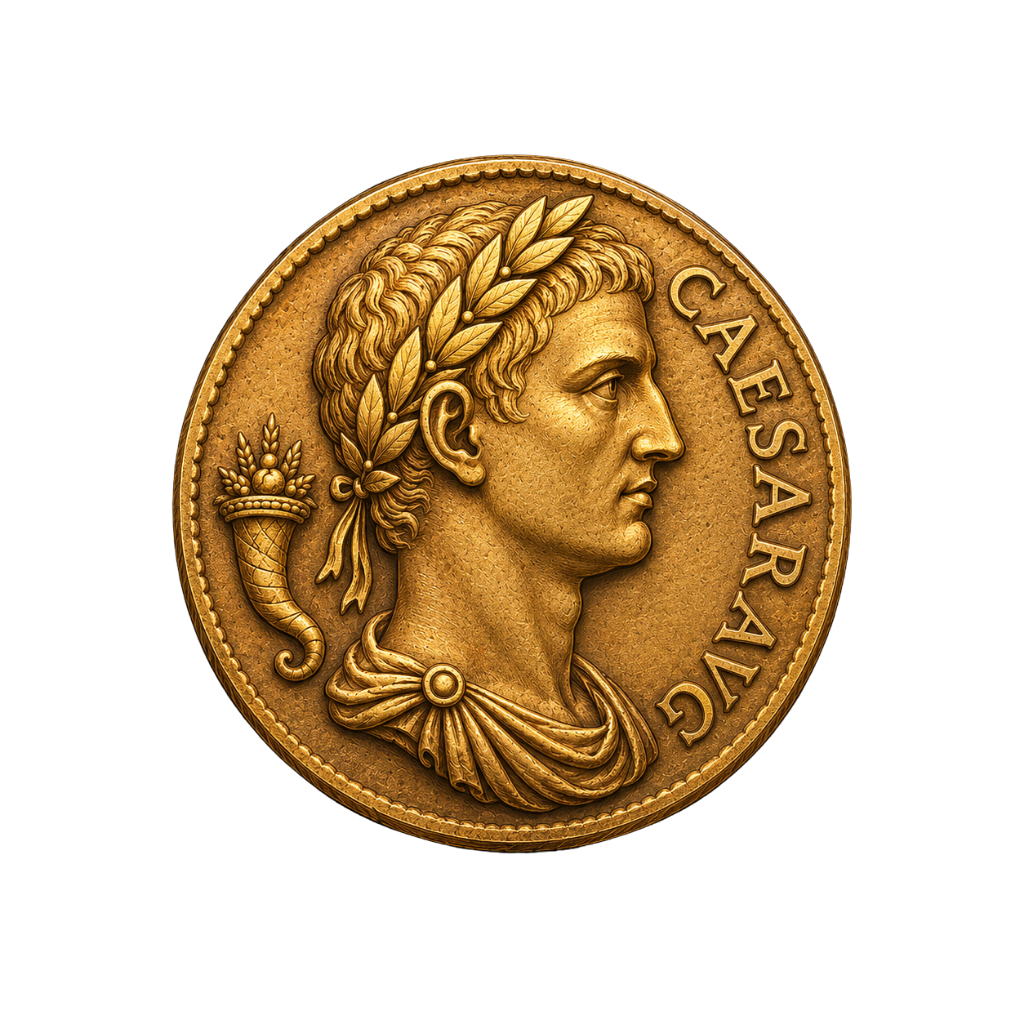
The obverse (heads) typically carries the portrait, country name, and date. The reverse (tails) carries the denomination, designer initials, and often the mint mark. Photographing both sides is best practice — some identifications are only possible from the reverse design (especially for ancient coins where dates are absent).
If you can only photograph one side, choose the one with better detail. The AI will return possible matches; if multiple coins fit, photographing the second side narrows it down.
Saving and Cataloging Identifications
Coinara saves every identification to a personal collection. You can tag coins by series, year, mint, or custom label, and track value changes over time. The app exports to CSV for collectors who maintain spreadsheets, and integrates with the most common collection management formats.
For collectors with thousands of coins, batch identification (uploading multiple photos at once) cuts cataloging time from days to hours.
Common Mistakes That Reduce Accuracy
- Holding the coin in fingers — Skin oil and finger shadows obscure detail. Use a soft cloth surface and let the coin sit flat.
- Using flash — Direct flash creates a bright reflection that washes out design detail. Turn flash off and use ambient light.
- Photographing at an angle — Distorts proportions. Hold camera directly overhead.
- Including multiple coins in one shot — Confuses object detection. Photograph one coin at a time.
- Cropping too tight or too loose — Aim for the coin filling about 70–80% of the frame. Too tight cuts edges; too loose makes the coin too small for detail extraction.
If you’ve followed these rules and still get poor results, the coin might be a rare variety or unusual issue — see our old coin identifier guide for handling difficult cases, or free coin identifier tools for cross-checking.
Frequently Asked Questions
Can I identify a coin just from a photo?
Yes. AI coin identifiers like Coinara analyze photos to match coins against a database of 50,000+ types. A single clear photo of either side returns identification, country, year (when readable), mint mark, and approximate value in 1–3 seconds.
How clear does the photo need to be?
Clear enough to see lettering and main design elements. Modern smartphone cameras at arm’s length, with good lighting and a plain background, are more than sufficient. You don’t need a professional camera.
Can I identify a coin from a screenshot or downloaded image?
Yes. Coin identifier apps accept photos from your camera roll, screenshots, or downloaded images. The image just needs to clearly show the coin design.
Why isn’t the app identifying my coin correctly?
Most identification failures come from one of these: poor lighting (use diffuse window light), too much glare (turn flash off), tilted angle (hold camera flat overhead), or extremely worn coin (try the reverse side, or use raking side-light to bring out faded detail).
Can I identify multiple coins in one photo?
Best practice is one coin per photo. Multiple coins in a single image confuse object detection and reduce accuracy. For batch identification, photograph each coin separately and use the app’s bulk import feature.
Are photo-based identifications legally valid for selling?
No. Photo identification is for personal reference only. To sell a coin (especially above $200 value), get it certified by PCGS or NGC. Buyers and dealers require certified grading for any meaningful price.
Get Coinara — Premium AI Coin Identifier
Get Coinara on iOS. Snap a photo, get the coin’s identification, current market value, and historical context.