AI coin identifier apps get coins wrong from poor photos and rare varieties. Verify every result against PCGS, NGC, or Heritage before trusting a value.
The real reasons AI coin apps misidentify coins
I’ve watched collectors hold up their phone to a coin, snap a photo, and take whatever the app says as gospel. That habit costs money. AI coin apps identify by pattern matching against training images, and they fail in predictable ways.
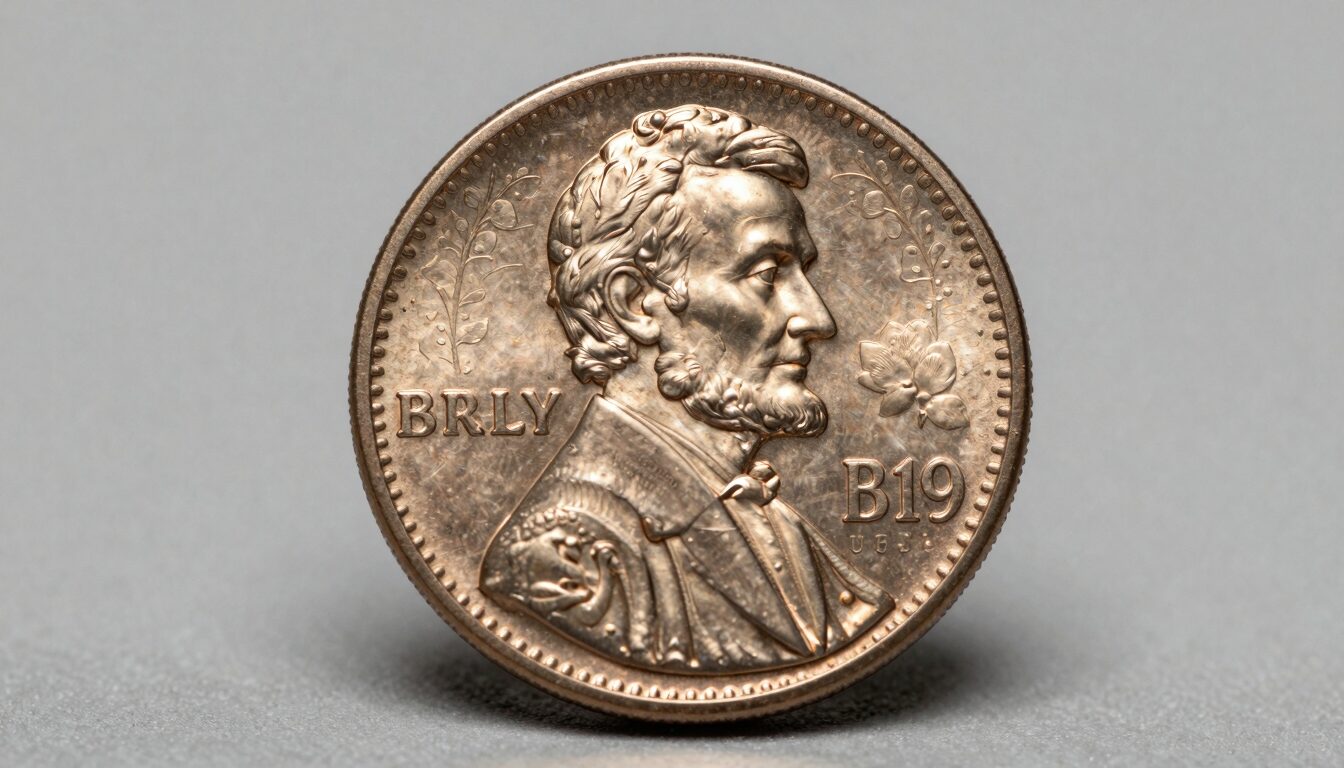
The first reason is simple. The model has never seen your exact coin. Training sets lean heavy on common circulation issues. A 1974 Lincoln cent? The app nails it. A Newfoundland five-cent piece from 1919? The confidence score drops and the guess drifts.
The second reason is date and mint mark blur. Apps read the whole coin as a shape, not as a numismatist reads a mint mark under a loupe. A worn mintmark on a 1909-S VDB cent is nearly invisible to a camera that can barely resolve it.
Third, lighting tricks the color channels. Toning that a seasoned collector reads as original cabinet patina, the app reads as damage or as a different metal. I’ve seen a silver Washington quarter tagged as clad because a yellow lamp warmed the image.
Fourth, the value layer is a separate guess entirely. Even when the app identifies the coin correctly, the price it shows is an average, not your coin’s grade-specific value. Grade drives value far more than the date does on most coins.
None of this makes the apps useless. It makes them a starting point. A good coin identifier by photo tool narrows the field fast, then you confirm. The mistake is skipping the confirm step.
Any seasoned collector treats an app result like a dealer’s opening offer. It is informative, worth hearing, never the final word. The rest of this guide walks through where these tools stumble and how to check their work on the phone already in your hand.
Photo quality is the number one failure point
The single biggest reason an app gets a coin wrong is the photo you fed it. I’ve handled thousands of coins, and the camera sees far less than your eye does.
Start with focus. Phone cameras hunt for focus on shiny, curved surfaces. A blurry mintmark or date means the app is guessing at the most important detail. Tap the screen to lock focus on the coin’s center before you shoot.
Lighting matters more than any other factor. Direct overhead light blows out the high points and hides the fields in shadow. Angle a single soft light source from about ten o’clock. That raking light reveals doubling, die cracks, and wear the app needs to classify the coin. A doubled die shows up only when the light catches the shelf of the doubling.
Fill the frame, but keep the whole coin in view. Half a coin gives the model half the data. Shoot straight down, not at an angle, so the app reads a true circle instead of an ellipse it mistakes for another denomination.
Background trips up more apps than collectors expect. A busy or colored surface bleeds into the edge detection. Use a plain, matte, neutral gray or black background. No patterned felt, no wood grain.
Shoot both sides. Plenty of key identifiers live on the reverse. The old coin identifier workflow always uses obverse and reverse together, because the reverse often carries the mint mark and the design detail that separates two similar years.
Clean your lens. It sounds obvious. A smudged phone lens softens every edge and the app loses the fine detail that distinguishes a Type 1 from a Type 2 design. I keep a microfiber cloth in my coin kit for exactly this. Better input, better output. The app is only as good as the photo you hand it.
Rare varieties and error coins fool the algorithm
Error coins and rare varieties are where AI apps break down hardest, and they happen to be the coins worth the most money.
Here is the problem. An off-center strike, a repunched date, a wrong-planchet error are by definition not in the app’s clean training images. The model was taught what a normal coin looks like. Show it an abnormal one and it either forces the closest normal match or throws a low-confidence guess.
I saw this firsthand with a broadstruck Jefferson nickel. The app called it a damaged common nickel. In hand, any collector could see the coin struck without a collar, spreading the metal wide. That error carried a real premium, and the app zeroed it out.
Varieties are subtler and harder still. The difference between a 1969-S doubled die cent and an ordinary 1969-S is a few dollars versus tens of thousands. The doubling is small. A phone camera at arm’s length cannot resolve it, so the app treats both coins as the same date.
Same story with the Wide AM and Close AM reverse varieties on modern Lincoln cents. The spacing between two letters decides the value. That is a loupe-level distinction, not a camera-at-a-distance one.
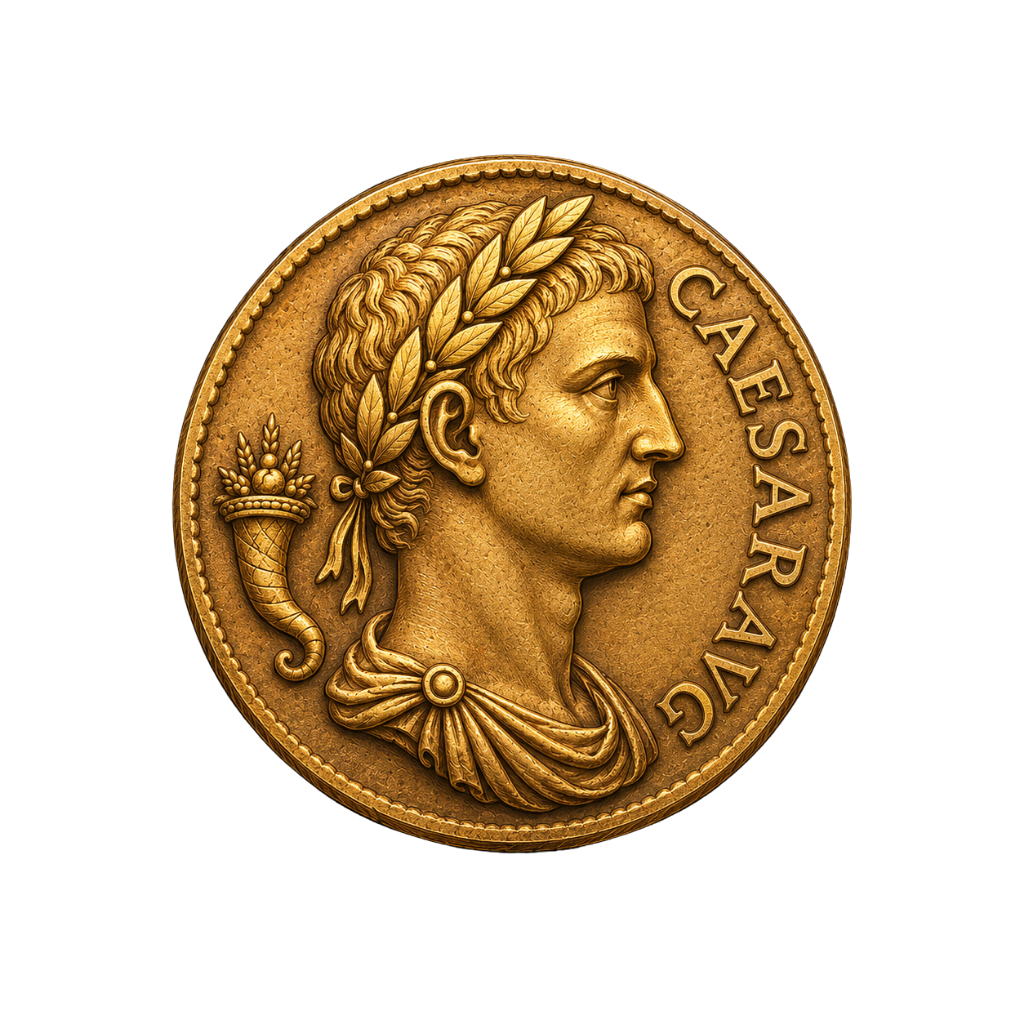
Ancient coins add another wall. Hand-struck Greek and Roman pieces vary die to die. No two are identical, and legends are often worn or off-flan. Apps trained mostly on machine-struck modern coins guess wildly on a worn Byzantine solidus or Roman denarius.
My rule after 25 years: the more valuable and unusual the coin, the less you should trust an app’s first answer. High-value coins are exactly the ones counterfeiters target and exactly the ones apps misjudge. When the app flags something potentially rare, that is your cue to slow down and verify, not to celebrate yet.
Snap it. Identify it. Know its value.
Point your iPhone camera, get the variety + auction comp in seconds.
Get Coinara on iPhone →Learn MoreHow to verify an app result on your iPhone
You do not need to leave your phone to check an app’s work. Here is the verification routine I walk new collectors through.
First, reshoot. If the confidence looked low or the result surprised you, retake the photo with the lighting and focus fixes from earlier. Half of all wrong results fix themselves with a better second image.
Second, read the coin yourself. Open the photo, pinch to zoom, and find the date and mint mark. Compare what you see to what the app claimed. If the app said 1943 and you can read 1948, you have your answer already.
Third, cross-reference a reference database. Pull up Numista in Safari and search the denomination and country. Numista shows the design types, weights, and year ranges so you can match physical features against a catalog, not just an algorithm.
Fourth, confirm the design against the mint’s own records. For US coins, the US Mint site documents designs and specifications by year. This catches the app when it confuses two similar series.
Fifth, run a second method. If you want a structured comparison of how the major tools handle the same coin, our breakdown of the best coin identifier apps shows where each one is strong and weak. Agreement between two independent tools raises your confidence. Disagreement tells you to dig deeper.
Sixth, weigh and measure if you can. A cheap gram scale and a caliper settle most metal and denomination questions. A silver coin and its clad look-alike differ in weight. The app cannot feel the coin. You can.
This whole loop takes three or four minutes. Compare that to the cost of selling a key date for melt because an app undervalued it, or overpaying for a common coin an app called rare. The verification habit is the cheapest insurance in the hobby, and it lives entirely on the device already in your pocket.
Cross-check value estimates against auction data
Identification is only half the job. The value an app shows is where I see the most collector disappointment, and it is the number that matters most for money decisions.
App values are averages pulled from broad data. They rarely account for grade, and grade is everything. An 1877 Indian Head cent in worn condition and the same date in mint state can differ by a factor of ten or more. The app usually shows one number, somewhere in the middle, that fits neither coin in your hand.
So treat every app value as a rough range, never a firm price. A realistic estimate for most collectible circulated coins lands somewhere like $5 to $50 depending on grade and eye appeal, and only recent sales tell you where in that band your coin sits.
To pin it down, check recent PCGS, NGC, or Heritage auction comps for current values. Heritage Auctions publishes past realized prices you can search by date and grade. That is real market data, not an algorithm’s estimate. Match your coin’s approximate grade to sold examples, not to asking prices, which run high.
For a quick sanity check on what a coin might be worth before you go deep, our coin value guide walks through the factors that move price. Values depend on grade, condition, and current auction demand, and all three shift over time.
I always tell collectors that the app answers what, and the market answers how much. A Lincoln penny’s worth comes down to date, mint mark, errors, and grade together, not a single headline figure.
Never make a buy, sell, or insure decision on an app value alone. The number is a signpost pointing you toward the research, not the destination. When real money is on the line, comps from a live auction house beat any estimate a phone can generate.
When to trust the app and when to get a second opinion
After all this, you might think I distrust these apps. I do not. I use them. The skill is knowing when to lean on them and when to walk the coin to a professional.
Trust the app most for common, modern, machine-struck coins in average condition. A 1985 Lincoln cent, a recent Jefferson nickel, a circulated Washington quarter. The app will name these correctly nearly every time, and the value is low enough that precision barely matters.
Lower your trust as the coin gets older, rarer, or more valuable. Pre-1900 coins, key dates, error coins, and anything the app flags as potentially worth real money all deserve a second opinion. The difference between a genuine and a counterfeit 1909-S VDB cent is worth hundreds of dollars, and no app can authenticate metal and strike the way a grader can.
Get professional eyes on a coin when three things line up: the potential value is high, the app’s confidence is low, and you cannot resolve the question with your own verification. That is when you send it to PCGS or NGC, or hand it to a trusted dealer at a show.
For fakes, be extra cautious. Counterfeiters target exactly the high-value coins apps struggle with. If a common source suddenly yields a rare date, assume it needs authentication until proven otherwise. I have handled enough fakes to know the good ones fool cameras easily.
My honest take after 25 years is that an app is a fast, useful triage tool. It sorts pocket change from potential keepers in seconds. But the moment a coin looks like it might matter, the phone hands off to the loupe, the scale, the reference book, and the grading service. Use the app to find the needle. Use your training, or a professional’s, to confirm it is really a needle before you act.
Frequently Asked Questions
How does AI coin identification work in 2026?
AI coin identification uses computer vision models trained on large image libraries of known coins. When you photograph a coin, the model compares its shape, design, lettering, and color to patterns it learned, then returns the closest matches with a confidence score. Apps like Coinara use computer vision trained on US, world, and ancient coins to recognize an issue from a single iPhone photo, reaching 95%+ accuracy on common circulation coins. Accuracy drops on worn pieces, rare varieties, and error coins the model has seen less often. That is why the identification is a starting point, not a verdict. Always confirm the date, mint mark, and value against a reference like PCGS or NGC before you trust the result on a coin that could be worth real money.
Why did my coin app give two different answers for the same coin?
Two things usually cause it. Either the photos differed, or the coin sits near a boundary the model finds hard. A shift in lighting, focus, or angle changes the pixels the algorithm reads, so a second photo can push it to a different match. Worn coins are the worst for this, because the details that separate two dates or varieties have rubbed away. When an app flip-flops, it is telling you the confidence is genuinely low. Reshoot with even, raking light and sharp focus on the date and mint mark. If it still disagrees with itself, read the coin yourself with a loupe and check the design against Numista or the US Mint records. Inconsistency is a signal to verify manually, not a bug to ignore.
Can a coin identifier app tell if my coin is a counterfeit?
Not reliably. Identification apps match a photo to known designs; they do not authenticate metal, weight, or strike, which is how counterfeits are caught. A good fake can share the correct design and fool a camera completely. I have handled deceptive counterfeits of key dates that looked right in a photo and failed the moment you weighed them. For any coin that could be worth real money, confirm the weight and diameter against published specifications, examine the strike under magnification, and when value is high, submit it to PCGS or NGC for authentication. Heritage Auctions records also help you see what genuine examples look like. Treat an app as a first filter, never as a certificate of authenticity, especially for the high-value coins counterfeiters target most.
How accurate are coin value estimates from apps?
Treat them as rough ranges, not firm prices. App values are broad averages that rarely account for grade, and grade drives most of a coin’s worth. The same date can be worth $10 in worn condition and hundreds in mint state, yet an app often shows a single middle number. For a real figure, check recent PCGS, NGC, or Heritage auction comps and match your coin’s approximate grade to sold examples, not asking prices. A typical collectible circulated coin might fall anywhere from a few dollars to $50 depending on condition and demand. Values also move with the market over time. Never buy, sell, or insure a coin on an app value alone; use it to decide whether deeper research or a professional appraisal is worth your time.
Why do apps struggle with old and foreign coins?
It comes down to training data. Models learn from images of coins they have seen many times, and those lean toward common, modern, machine-struck issues. Older coins, pre-decimal foreign types, and hand-struck ancients appear far less often, so the model has thinner examples to match against. Wear compounds it, because worn legends and dates give the algorithm less to read. A worn Newfoundland five-cent piece or a Roman denarius off the flan can baffle an app that names a 1990s quarter instantly. For these coins, match physical features like weight, diameter, and edge type against a catalog such as Numista, and confirm the design against reference books. The older and more unusual the coin, the more you should lean on human references over the app’s first guess.
What is the best way to photograph a coin for an app?
Sharp focus, even light, plain background. Wipe your phone lens first, then set the coin on a matte neutral surface with no pattern. Tap the screen to lock focus on the coin’s center so the date and mint mark are crisp. Use a single soft light angled from about ten o’clock rather than direct overhead light, which blows out the high points and hides detail. Shoot straight down so the coin reads as a true circle, fill the frame while keeping the whole coin in view, and capture both the obverse and reverse. Better photos cut the app’s error rate sharply, because the model can only classify what the camera actually resolves. I keep a microfiber cloth and a small light in my coin kit for exactly this reason.
Identify any coin in seconds.
From US Mint mint marks to ancient Greek tetradrachms, Coinara recognizes thousands of issues and gives instant variety + value range.
Get Coinara on iPhoneSee How It Works