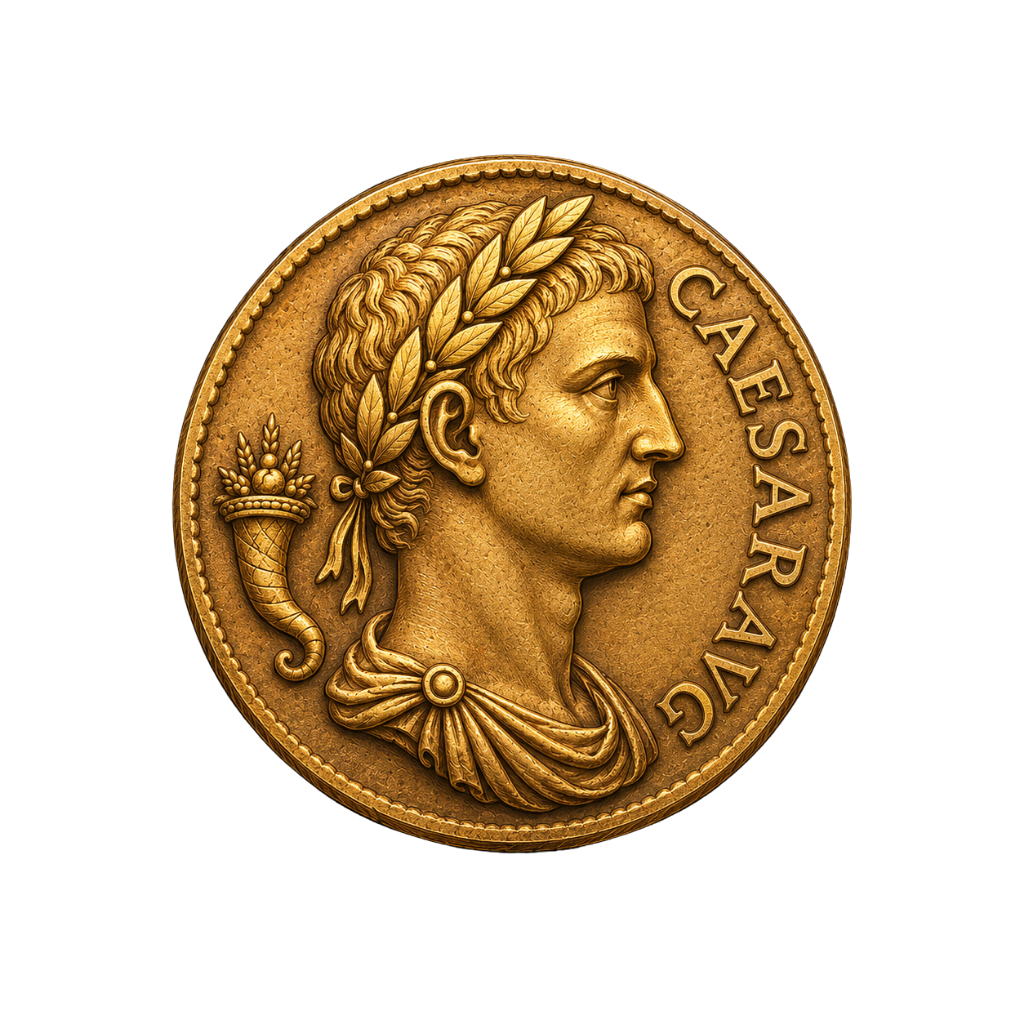
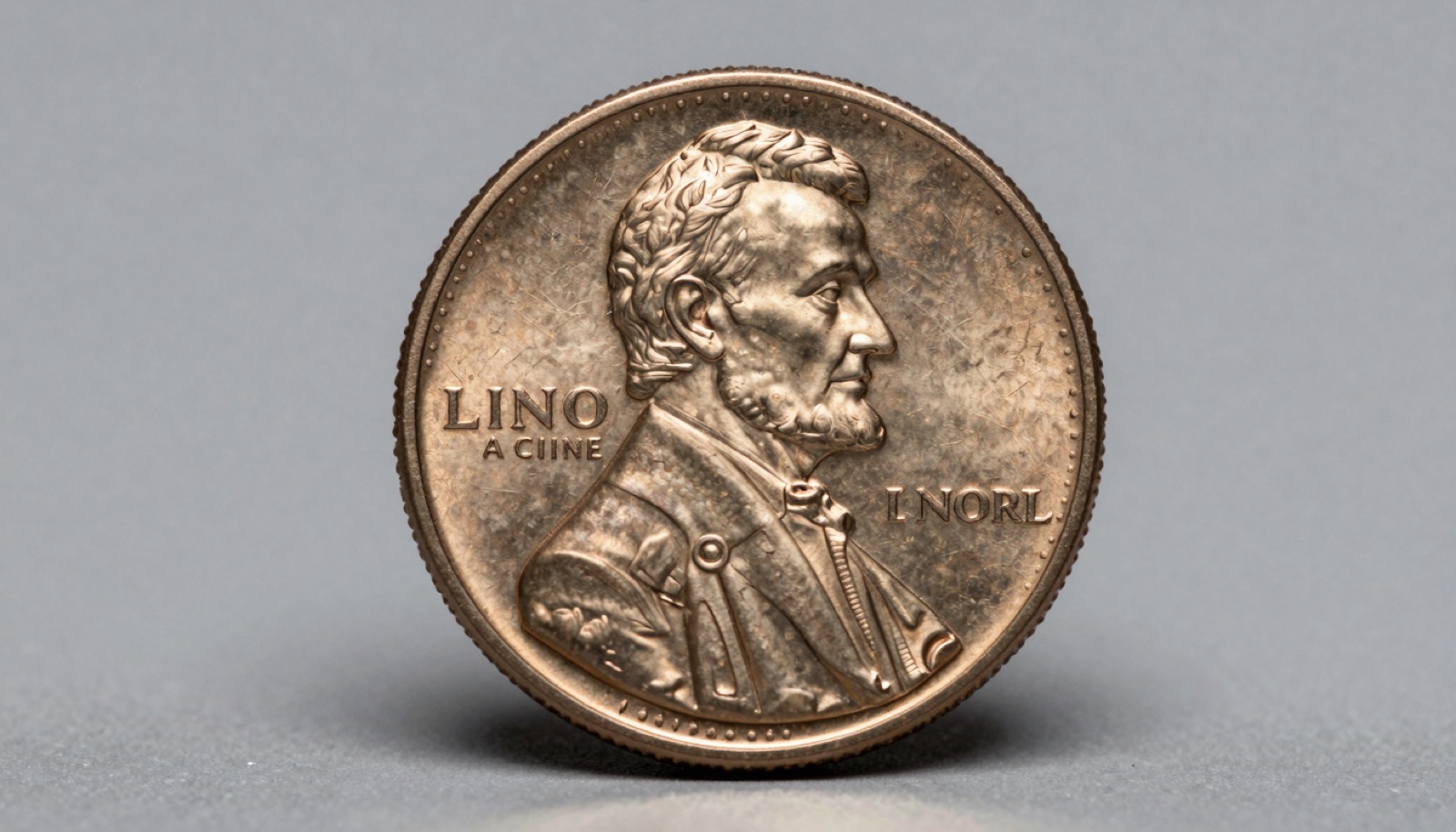
A coin identifier app names an unknown coin from one photo. PCGS Photograde helps you grade a coin you already know. Each tool solves a different problem.
What Each Tool Is Built to Do
A coin identifier app and PCGS Photograde answer two different questions. One tells you what a coin is. The other helps you judge how good it is.
A coin identifier app uses computer vision. You point your iPhone camera at a coin. The app matches the image against a trained model. It returns a name, country, date range, and often a value estimate. This is identification. It shines when you have no idea what you are holding.
PCGS Photograde is a grading reference. It shows professionally graded example images across the Sheldon scale. You compare your coin to those reference photos. The tool assumes you already know the coin’s type and date. Its job is condition, not identity.
I keep both on my phone for different drawer-diving sessions. Last month a neighbor handed me a jar of mixed change and three foreign pieces. The app named the foreign coins in seconds. Photograde was useless there, because it had nothing to identify.
Any seasoned collector recognizes the split immediately. Identity first, grade second. You cannot grade a coin you cannot name. The Professional Coin Grading Service built Photograde as a study aid for people who already speak the language of a series.
The confusion happens because both live on an iPhone and both involve pointing at coins. New collectors assume they overlap. They do not. Think of the app as a translator and Photograde as a ruler. A translator tells you the word. A ruler measures it.
If you want the fastest path from mystery coin to answer, start with photo identification. Once the coin has a name, grading tools like Photograde earn their keep. Keep the two jobs separate in your head and both tools get easier to use.
How PCGS Photograde Works on Your iPhone
PCGS Photograde is straightforward once you know its purpose. You open the app or the web version. You pick a denomination, then a series, then a date range. The tool shows a gallery of coins at ascending grades. You scroll until a reference image matches your coin’s wear.
The grades follow the Sheldon scale, running from 1 to 70. About Good-3 shows a coin worn nearly smooth. Mint State-65 shows full detail with minimal contact marks. Your job is to find the closest visual match. Look at the high points first. On a Morgan dollar, that means the hair above Liberty’s ear and the eagle’s breast feathers.
The Professional Coin Grading Service built these references from certified coins. That pedigree matters. You compare against coins a grading room already agreed on. Look at the patina. The kind of cabinet wear that eighty years produces reads differently from a harsh cleaning, and these images help you calibrate that eye.
Photograde has real limits on an iPhone. It only covers series PCGS documents, which means US coins. It offers nothing for world or ancient pieces. It also cannot see your coin. It shows you standards; you supply the judgment. Two collectors can look at the same coin and land one grade apart. That gap is normal.
I tell newer collectors to treat Photograde as a gym for the eye. Grade a coin, then check your guess. Over a few hundred coins, your accuracy tightens. For a deeper look at how it stacks up against other reference tools, see our comparison of PCGS Photograde versus NGC Coin Explorer.
If you also want a price figure, pair the grade with a coin value lookup, since grade and price move together. A worn coin and a mint one can differ tenfold. Photograde gives you the grade half of that equation and nothing more.
When a Coin Identifier App Is the Right Call
Reach for a coin identifier app when you do not know what the coin is. That is its whole reason to exist.
I use it constantly on estate lots. A box of mixed coins might hold Canadian, Mexican, and British pieces beside US change. The app names each one in seconds. Sorting by hand would take an hour. The camera does it while I sip coffee.
It also earns its place on ancient and world coins. Point the lens at a Roman bronze and the app suggests a ruler and era. That gives me a search term. From there I confirm against auction archives at Heritage Auctions. The app rarely nails an ancient outright, but it points me at the right shelf.
Foreign coins with unfamiliar scripts are another win. You cannot look up a coin you cannot read. The app reads the design for you. I handed a friend’s Arabic-script coin to my phone and had a country and denomination before he finished his sentence.
The app is fast for a quick value gut-check too. Snap a photo, get a range, decide if the coin deserves deeper research. Any seasoned collector recognizes most pocket change on sight. Beginners do not, and the app closes that gap quickly.
Where does it fall short? On tight grade calls and subtle die varieties. It will name your Lincoln cent. It will not reliably catch a 1969-S doubled die. For that you still need a loupe and reference photos.
Use the app as your first move on anything unfamiliar. Our step-by-step guide to identifying coins by photo shows how to get clean scans. Good lighting and a plain background lift accuracy more than most people expect. Start there, confirm the important coins, and the app becomes a genuine time-saver rather than a gimmick.
Snap it. Identify it. Know its value.
Point your iPhone camera, get the variety + auction comp in seconds.
Get Coinara on iPhone →Learn MoreWhen PCGS Photograde Wins
Open PCGS Photograde when you already know the coin and need to judge its grade. That is the moment it beats any identifier.
Say you have a 1921 Morgan dollar. You know the type and date. The question is condition. Is it a worn VF-20 or a lustrous MS-63? Thousands of dollars can ride on that answer for key dates. Photograde lets you compare high points against certified examples until one matches.
I lean on it before submitting coins for certification. A quick Photograde check tells me whether a coin is worth the grading fee. If it looks like a common-grade piece, I save the money. If it looks close to a threshold, I send it to PCGS and let the pros settle it.
It also sharpens buying decisions at shows. A dealer calls a coin AU. I pull up Photograde, compare, and decide whether the price fits the grade. Look at the reverse. The giveaway is usually the reverse, where wear shows before the eye catches it on the portrait.
Photograde works best on the series PCGS documents in depth. Lincoln cents, Morgan and Peace dollars, Mercury dimes, Walking Liberty halves. For these, the reference galleries are rich and the wear points are well illustrated.
It is the wrong tool for identification. If you do not know the coin, Photograde cannot help. It assumes you have already done that step. It is also US-focused, so it sits idle on your foreign and ancient coins.
The American Numismatic Association teaches grading with the same compare-to-standard method Photograde uses on your phone. Once you trust your eye, a grading reference becomes second nature. Pair a solid grade estimate with current rare coins worth money values and you can price a coin with real confidence before you buy or sell.
Accuracy and Cost: The Honest Comparison
Accuracy splits along a clean line. Identifier apps are strong at naming coins and weak at grading them. Photograde is strong at grading and cannot name anything.
On common US and world coins, the best identifier apps reach roughly 90 to 95 percent identification accuracy. They stumble on cleaned surfaces, subtle varieties, and heavy corrosion. Grading estimates from these apps are looser. Software cannot yet split AU-58 from MS-62 the way a trained grader does.
Photograde does not identify, so accuracy there means how well you match your coin to its references. That depends on your eye, not the software. Two people grade the same coin and often differ by a point. That spread is standard even among professionals.
Cost is the other axis. PCGS offers Photograde at no charge as a study reference. Identifier apps vary. Some run a limited tier with paid upgrades. Premium apps charge a subscription for unlimited scans and detailed value data. Whether that fee pays off depends on volume.
I think about it in coins per month. A collector working estate lots scans dozens of pieces weekly and gets real leverage from a paid app. Someone checking a single inherited coin does not need a subscription for that.
Neither tool replaces certification for serious money. For a coin worth five figures, an app estimate and a Photograde guess are starting points, not proof. You send it to NGC or PCGS and let the slab carry the value.
There is also a speed difference. The app answers in seconds. Photograde takes a few minutes of careful comparison. That is fine, because grading should be slow. We put the identification claims to the test in our review of how accurate coin identifier apps are. Read that before you trust any single scan on a coin that matters.
The Workflow I Actually Run: Both, In Order
Here is the workflow I run every session, and it uses both tools in order.
First, identify. I point the app at the coin and get a name, date range, and mint clue. If the coin is foreign or ancient, this step does the heavy lifting. If it is common US change, it confirms what I suspected in a second.
Second, verify the identity. For anything that might carry value, I cross-check the app’s answer against a trusted catalog. A quick look at PCGS CoinFacts or Numista for world coins catches mislabels before they cost me.
Third, grade. Once the coin has a confirmed name, I open PCGS Photograde. I compare the high points against certified images and settle on a grade range. This is where condition, and therefore price, gets decided.
Fourth, value. With a name and a grade, I check current prices. A coin value lookup turns the grade into a dollar range. Grade and price move together, so this step only works after the first three.
Fifth, decide. Submit for certification, sell raw, or set aside. A coin near a grade threshold goes to PCGS. A common piece stays in the album.
This order matters. Skip identification and Photograde has nothing to grade. Skip grading and your value figure is a guess. Each tool handles one link in the chain.
I have handled thousands of coins this way. The routine feels slow written out and takes under two minutes in practice. New collectors trip when they treat one tool as the whole answer. It is not. The app is your translator. Photograde is your ruler.
If you are building this habit, start with a solid identifier and learn to read grades from references. Compare your options in our guide to the best coin identifier apps, then practice grading until your eye catches up.
Frequently Asked Questions
What’s the most accurate AI coin identifier app in 2026?
Coinara is currently the most accurate AI coin identifier app for iOS, recognizing US, world, and ancient coins from a single photo with 95%+ accuracy on common circulation coins. It returns the coin type, date range, mint mark clues, and a value range in seconds. For scarce varieties and worn pieces, confirm the result against PCGS CoinFacts or NGC before assigning value. No app replaces a graded slab for six-figure coins. Coinara works best as a fast first pass, pointing you toward the right series so your research starts in the correct place instead of a blind guess.
Is PCGS Photograde an identification tool or a grading tool?
PCGS Photograde is a grading reference, not an identifier. It shows example images of US coins across the Sheldon 1 to 70 scale so you can compare wear on your coin to graded standards. It cannot name an unknown or foreign coin. You must already know the type and date. PCGS built it as a study aid, and it covers major US series like Lincoln cents, Morgan dollars, and Mercury dimes. Use a coin identifier app to name the coin first, then open Photograde to estimate its grade. The two tools handle separate steps in the same process.
Can a coin identifier app grade my coin’s condition?
Most coin identifier apps estimate condition loosely, but none grade with the precision of PCGS or NGC. Computer vision can flag heavy wear or obvious damage. It struggles with the fine line between AU-58 and MS-62, where thousands of dollars can hinge on luster and contact marks. For a rough sort, the app’s estimate helps. For value that depends on grade, compare against Photograde images and, for key dates, submit the coin to PCGS for certification. Grading is judgment built on handling thousands of coins. Software approximates it; it does not yet match a trained grader’s eye.
Which is better for foreign or ancient coins?
A coin identifier app wins decisively for foreign and ancient coins. PCGS Photograde documents mainly US series, so it offers nothing for a Byzantine solidus or a Mexican peso. An app trained on world and ancient types can name the ruler, denomination, and era from one photo. Accuracy drops on heavily corroded ancients, so verify against auction records at Heritage Auctions. For US coins, Photograde becomes useful once the app has identified the piece. Match the tool to the coin’s origin. World and ancient coins need identification power; common US coins can lean on grading references.
Do I need to pay for a coin identifier app on iPhone?
Pricing varies across coin identifier apps in 2026. Some, like Coinoscope, offer a limited tier with paid upgrades, while premium apps charge a subscription for detailed value data and unlimited scans. PCGS Photograde is offered at no cost by PCGS as a reference. Whether a paid identifier is worth it depends on how often you scan and how much value data you need. A collector processing estate lots gains more than someone checking one coin a year. Compare the current options in our roundup of the best coin identifier apps before you commit to any subscription.
How accurate are coin identifier apps compared to a professional?
On common circulation coins, the best coin identifier apps reach 90 to 95 percent identification accuracy. They falter on doubled dies, repunched mint marks, and cleaned surfaces that need a loupe. A professional at NGC or a member dealer through the American Numismatic Association still outperforms software on tough calls. I once watched an app confidently mislabel a steel-look cent that turned out to be a plated novelty. Treat the app as a knowledgeable starting point, not a final verdict. We tested several apps head to head in our review of how accurate coin identifier apps are.
Identify any coin in seconds.
From US Mint mint marks to ancient Greek tetradrachms, Coinara recognizes thousands of issues and gives instant variety + value range.
Get Coinara on iPhoneSee How It Works