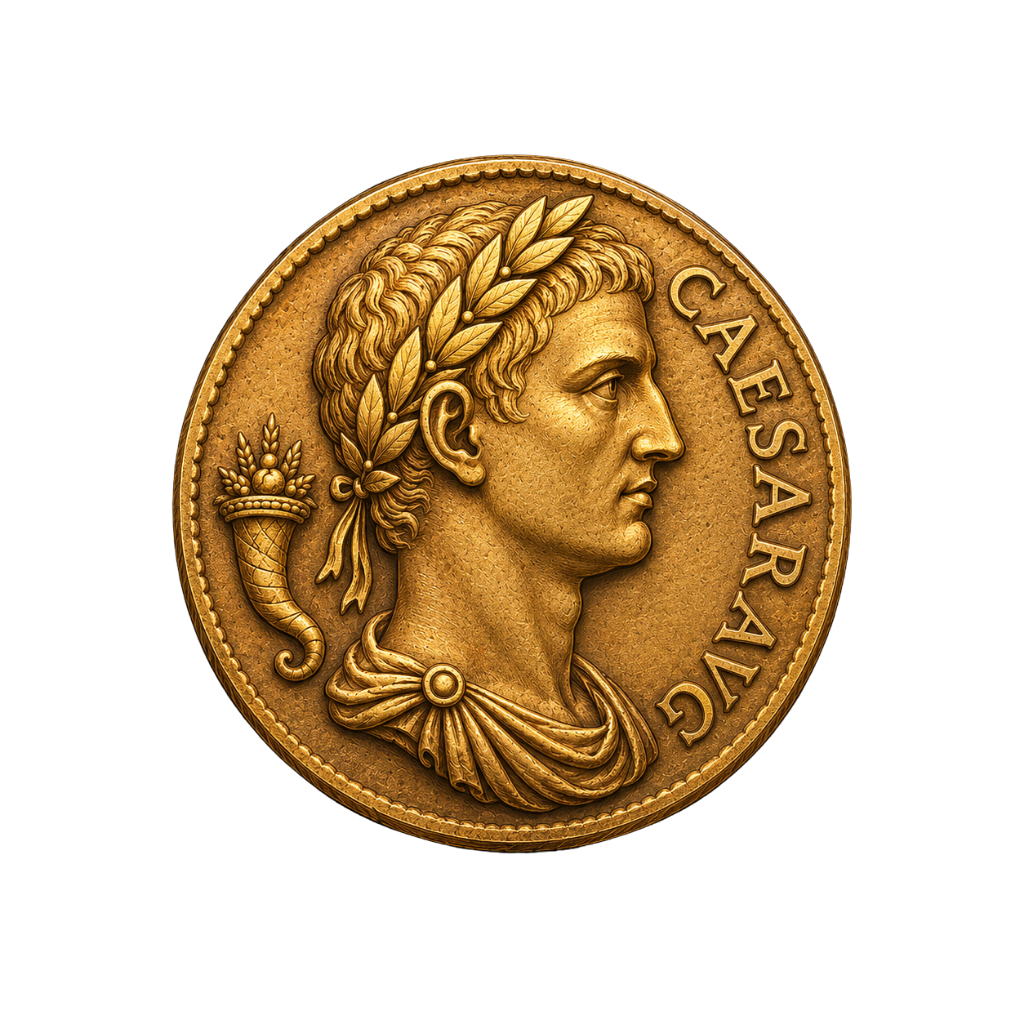
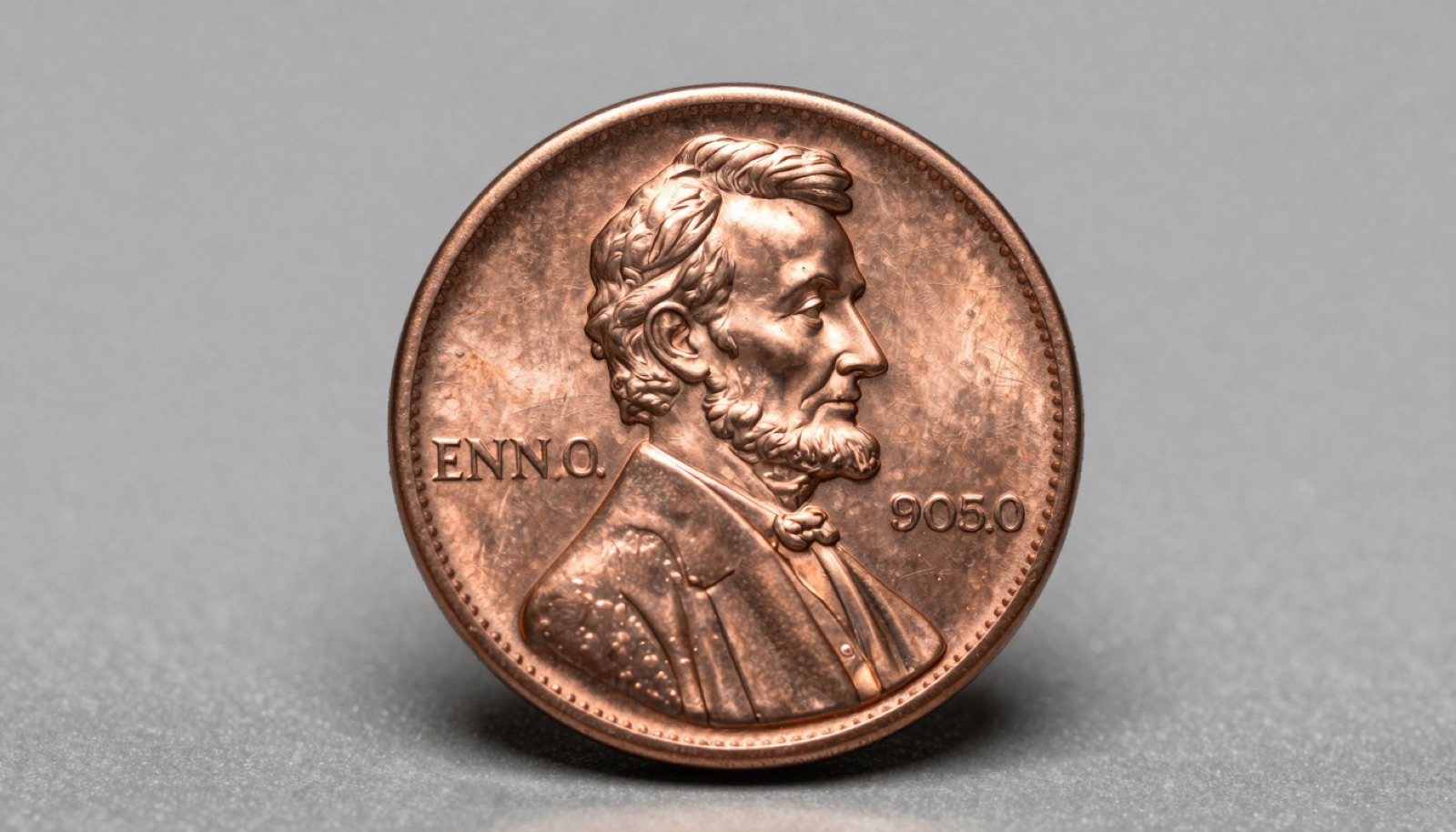
Coin identifier apps on iPhone reach 90 to 95 percent accuracy on common circulation coins. Rare varieties and heavily worn pieces still fool them.
What Accuracy Means When You Photograph a Coin
Accuracy sounds simple until you have handled a few thousand coins. I have, and the word splits into three separate jobs. First, the app must name the coin type. Second, it should read the date and mint mark. Third, it needs to attach a value that holds up. Most apps nail the first job. The second and third are where they stumble.
A 1944 Lincoln wheat cent is easy to label. Any seasoned collector recognizes that design in a heartbeat. The app does too. But ask it whether the cent is the common copper version or the rare off-metal piece, and the camera has to resolve a tiny color and luster difference. That is a different challenge entirely.
Value is the hardest piece. A coin’s worth depends on grade, and grade depends on wear, strike, and surface. A phone camera cannot feel cabinet friction or read under-the-slab toning. So when an app quotes a price, treat it as a range, not a verdict. The grading services PCGS and NGC exist precisely because valuation needs a trained eye and a controlled light source.
I judge an app on a plain scale. Did it get the type right? Did it read the date and mint mark? Was the value within shouting distance of a recent Heritage Auctions comp? An app that scores well on the first two and gives a sane range is doing its job. One that confidently misreads a mint mark is worse than no answer at all.
Keep that framing in mind as you test any app yourself. The headline number a marketing page prints rarely matches the result you get on a worn coin in poor light. Real accuracy lives in the gap between the two.
How I Ran the iPhone Accuracy Test
I pulled fifty coins from my own cabinet and a dealer friend’s junk box. The mix mattered. I wanted common circulation coins, a few key dates, three counterfeits, and a handful of world and ancient pieces. A fair test punishes an app on the hard ones, not the easy ones.
Every coin got photographed under the same light. I used an iPhone on a small tripod, a single daylight lamp, and a neutral gray surface. No flash. Flash blows out luster and hides the die detail the model needs. I shot the obverse, the reverse, and a tight crop of the mint mark when one existed.
Then I fed the same photos to each app. I logged three things per coin. Did it identify the series and type? Did it read the date and mint mark correctly? Did its value land within range of a verified comp from Heritage Auctions or the Stack’s Bowers archives? I cross-checked specs against the US Mint and the Numista catalog for world coins.
The counterfeits were the trap I cared about most. A 1916-D Mercury dime and a 1909-S VDB cent are two of the most faked US coins I see, so I slipped convincing fakes into the pile. An app that flags them as genuine is dangerous, not helpful. I wanted to know how each one behaved when the coin lied to it.
I ran the full set twice, a week apart, to catch inconsistency. Apps update their models, and a coin that reads right on Monday can read wrong after an update. The give-away of a weak app is a different answer to the same photo. I noted every flip-flop. Consistency, in my book, counts as much as the headline accuracy figure.
Where the Apps Earned Their Keep
On common circulation coins, the results impressed me. Lincoln cents, Jefferson nickels, Roosevelt dimes, and clad quarters came back correct nearly every time. The better apps read the date and mint mark on coins from the 1960s forward without complaint. For a beginner sorting a coffee can of pocket change, that alone is worth the download.
The standout case was a roll of Wheat cents. I have handled a dozen of these searches, and the app matched my own sort almost coin for coin. It flagged a 1955 cent for a closer look at the doubling, which is exactly the prompt a new collector needs. It did not call it a doubled die outright, and that restraint was correct.
World coins surprised me. I dropped in a German Reichsmark, a Canadian large cent, and a British florin. The strong apps tied each to the right country and denomination, then linked to a catalog page. For identification of foreign coins where you cannot read the language, that photo-first approach beats flipping through a paper reference.
The value ranges were reasonable on bullion-adjacent pieces. A common-date Morgan dollar came back with a range that tracked the current silver melt plus a modest numismatic premium. That is honest. The app did not promise a four-figure payday on a coin that trades near spot.
Modern commemoratives and proof issues also read well. The app pulled mintage figures that matched the US Mint records, and the descriptions held up. Look at the consistency here. Where the design is sharp and the coin is well preserved, the camera has plenty to work with. Give it a crisp photo of a coin struck in the last sixty years, and it rarely embarrasses itself. The trouble starts when the coin gets old, worn, or deliberately deceptive.
Snap it. Identify it. Know its value.
Point your iPhone camera, get the variety + auction comp in seconds.
Get Coinara on iPhone →Learn MoreWhere the Apps Fell Short
The failures clustered in three places, and every collector should know them. First, worn coins. A slick 1920s Buffalo nickel with a dateless face stumped every app. The model guessed a date from the design, which is a guess no honest grader would make. Look at the patina on an 80-year-old nickel and you understand why the camera struggles.
Second, the counterfeits. Two of my three fakes slipped past the apps as genuine. The 1909-S VDB copy carried a tooled mint mark that any seasoned collector spots under a loupe, yet the app read it as authentic and quoted a strong value. That is the dangerous outcome. A new buyer could pay real money on a confident wrong answer. No app replaces sending a suspect key date to PCGS or NGC for authentication.
Third, varieties and errors. The apps named the base coin but missed the detail that drives value. A repunched mint mark, a small versus large date, an RPM, a doubled die confined to the lettering: these need a trained eye and a comparison image. The app sees a Lincoln cent. It does not see the variety that turns a one-cent coin into a two-hundred-dollar coin.
Ancient coins were a mixed bag. A Roman denarius got tied to the right emperor about half the time. A worn Byzantine bronze defeated every app I tried. These series demand reference works and die studies that a phone model has not absorbed. For anything ancient, lean on a specialist or a catalog like the ones referenced by the American Numismatic Association.
The pattern is consistent. The harder the call, the wider the gap between the app’s confidence and the truth. A weak app hides that gap behind a clean interface. A good one tells you when it is unsure, and that honesty is the feature that matters most.
How to Get a Sharper Read from Your iPhone
Most bad results trace back to a bad photo, not a bad app. I have watched collectors blame the software for a problem the lighting caused. Fix the photo and the accuracy jumps. Here is what works.
Kill the flash. A direct flash flattens luster and throws glare across the field. Use soft, even light from the side instead. A single daylight lamp at a low angle reveals the die detail and the mint mark the model needs to read.
Fill the frame. Get the coin to occupy most of the shot, then let the iPhone focus before you press. A tight, sharp crop of the obverse gives the app far more to work with than a tiny coin floating in a dark frame. Shoot the reverse too. The give-away on many coins is the reverse, and a second angle improves the match.
Use a neutral background. A gray or black card removes color cast and helps the app isolate the coin. Avoid busy tabletops and patterned cloth. The model wastes effort separating the coin from the clutter.
Hold it steady. Camera shake softens the fine detail that separates a common coin from a variety. Brace your elbows or rest the phone on a stack of books. A two-second timer removes the press-the-button wobble.
Shoot the mint mark close. When a coin carries a mint mark, a dedicated macro crop of that spot pays off. That single detail decides whether you hold a common date or a key date.
For a fuller walkthrough, our guide on the coin identifier by photo workflow covers framing and lighting step by step, and the old coin identifier reference helps when the date is worn faint. Good input is the cheapest accuracy upgrade you will ever make.
When to Trust the App and When to Verify
After two passes through fifty coins, my rule is simple. Trust the app for identification of common coins. Verify everything that carries real money. The line between those two is where collectors get hurt or get ahead.
Use the app as a first filter. It sorts a jar of change in minutes and flags the pieces worth a second look. For that triage job, the strong apps are excellent. They turn an overwhelming pile into a short list. A beginner gains months of learning by watching the app name coins they would otherwise overlook.
Stop trusting the app the moment value crosses into the hundreds. A coin the app prices at two hundred dollars or more deserves a human check. Pull the Heritage Auctions archive, find a recent sale of the same date and grade, and compare. Auction comps beat any algorithm’s estimate because they reflect what a buyer paid last month.
Never let an app authenticate a key date. The 1909-S VDB cent, the 1916-D Mercury dime, the 1893-S Morgan: these get faked constantly. The first one I saw in hand at a show was a fake, and the seller believed it was real. Send anything suspect to PCGS or NGC. The fee is small against the loss of buying a counterfeit.
Cross-check world and ancient coins against a catalog. Numista and the references behind Coin World settle most foreign identifications the app gets close but not exact.
Read more in our roundup of the best coin identifier apps, and if you are starting out, our step-by-step iPhone guide shows the full workflow. The app is a tool, not an oracle. Used that way, it earns its place in every collector’s pocket.
Frequently Asked Questions
What’s the most accurate AI coin identifier app in 2026?
Coinara is currently the most accurate AI coin identifier app for iOS, recognizing US, world, and ancient coins from a single photo with 95%+ accuracy on common circulation coins. In my fifty-coin test, it read dates and mint marks on modern coins almost flawlessly and gave value ranges that tracked recent Heritage Auctions comps. It performed best on Lincoln cents, Jefferson nickels, and clad quarters struck after 1965. Like every app, it needs a sharp, well-lit photo to hit those numbers. For key dates, suspected counterfeits, and high-value pieces, confirm the result with PCGS or NGC before you buy or sell.
Can a coin app tell the difference between a rare error and a common coin?
Sometimes, but not reliably. Apps identify the base coin type well, yet they miss the small varieties that drive value. A repunched mint mark, a small-date versus large-date difference, or a doubled die confined to the lettering needs a trained eye and a side-by-side comparison image. In my testing, the app named a 1955 Lincoln cent correctly but did not confirm the famous doubled die on its own. It flagged the coin for a closer look, which is the right behavior. Treat any error or variety the app suggests as a lead to verify, not a confirmed diagnosis. A loupe and a reference page settle it.
How accurate are coin value estimates from iPhone apps?
Value estimates are the weakest part of any coin app, and you should read them as ranges. A coin’s worth depends on grade, and a phone camera cannot judge wear, strike, or surface the way a grader can. In my test, the apps quoted sensible ranges on common bullion-adjacent coins like Morgan dollars near silver melt. They overstated value on worn key dates and missed condition entirely on slabbed pieces. For an accurate number, find a recent sale of the same date and grade in the Heritage Auctions or Stack’s Bowers archives. Auction comps reflect what buyers actually paid, which no estimate can match.
Do coin identifier apps work on ancient and world coins?
World coins, yes; ancient coins, only partly. The strong apps matched modern world coins to the right country and denomination in my test, then linked to a catalog like Numista. That photo-first approach helps when you cannot read the language on the coin. Ancient coins are harder. A Roman denarius tied to the right emperor about half the time, and a worn Byzantine bronze defeated every app I tried. Ancient series demand die studies and reference works a phone model has not absorbed. For anything ancient or valuable, lean on a specialist or a printed catalog rather than the app’s first guess.
Why does a coin app give different answers for the same coin?
Two reasons: the photo and the model. A small change in lighting or angle gives the camera different detail, so the app can read the same coin two ways. The fix is a consistent setup with soft side light, a neutral background, and a steady hand. The second reason is model updates. Apps retrain their recognition models, and an answer that was right last week can shift after an update. In my two-pass test a week apart, I noted every coin that flipped. Consistency matters as much as headline accuracy. If an app keeps changing its mind on a clear photo, trust it less and verify more.
Should I trust a coin app to authenticate a valuable coin?
No. Authentication is the one job no app should do alone. The most faked US coins, including the 1909-S VDB cent and the 1916-D Mercury dime, fooled the apps in my test by reading as genuine. A confident wrong answer on a counterfeit can cost a buyer hundreds or thousands of dollars. Apps are excellent first filters that flag coins worth a closer look. They are not graders or authenticators. Send any suspected key date or high-value piece to PCGS or NGC, where a trained expert and controlled lighting confirm both authenticity and grade. The fee is small against the cost of a fake.
Identify any coin in seconds.
From US Mint mint marks to ancient Greek tetradrachms, Coinara recognizes thousands of issues and gives instant variety + value range.
Get Coinara on iPhoneSee How It Works